Android Version: 1.0.28 | iOS Version: 1.0.21
What’s New
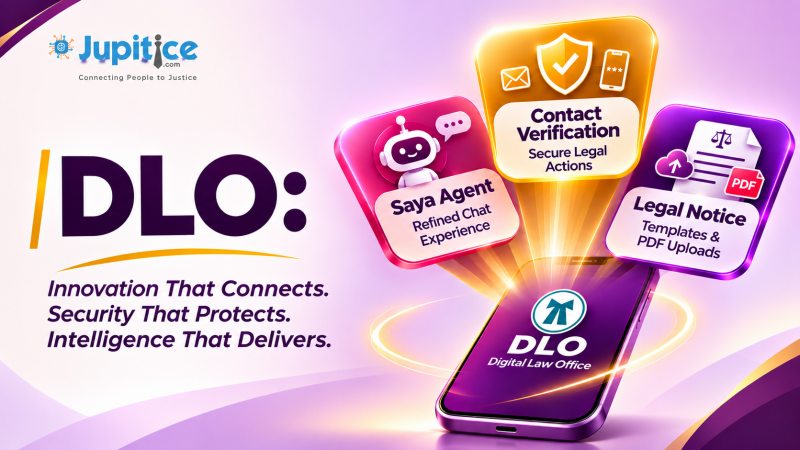
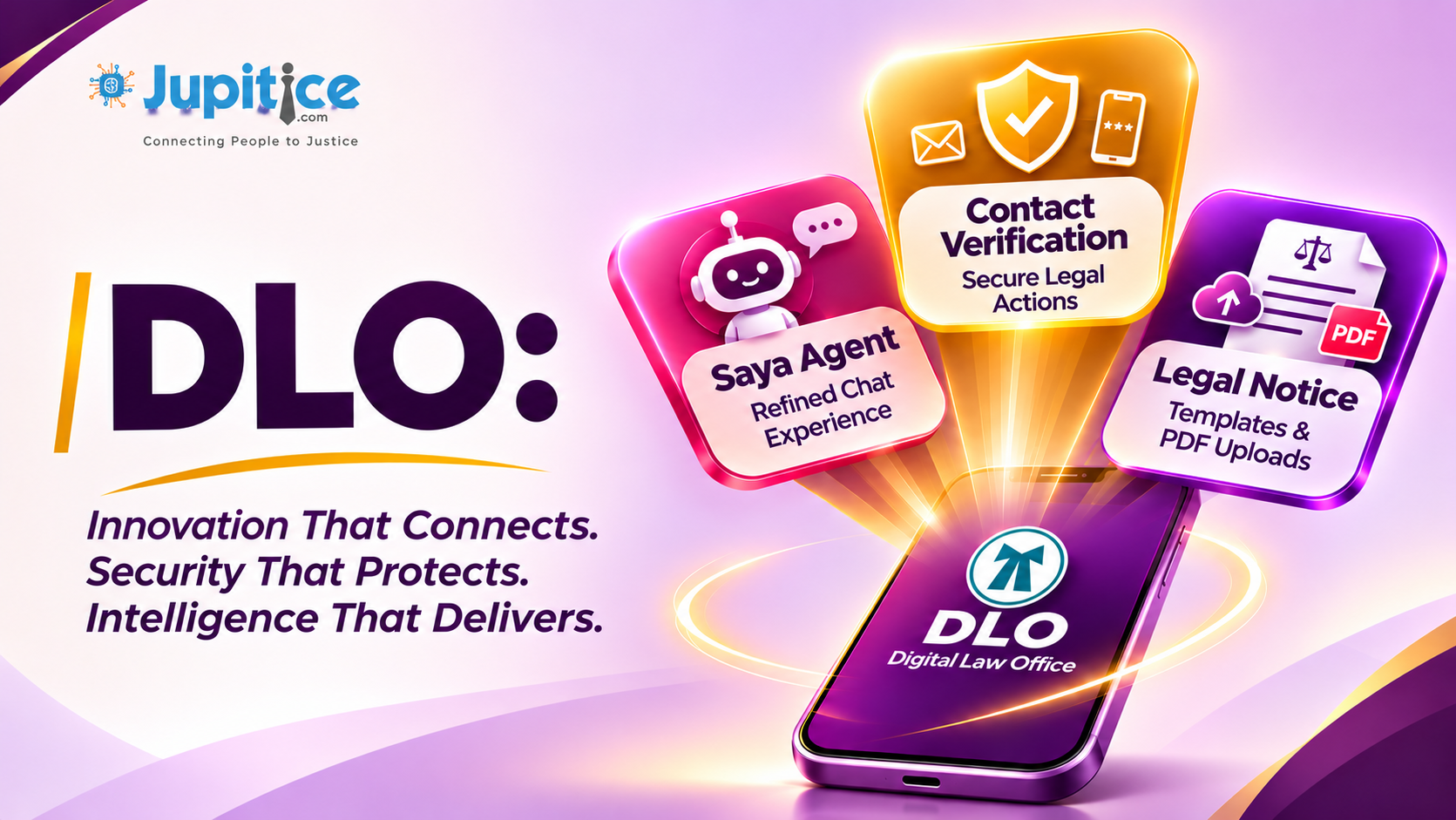
This release introduces expanded Legal Notice capabilities with support for template-based and uploaded PDF notices, alongside refinements to the Saya Agent interface and mandatory primary contact verification for critical legal operations. These updates focus on providing greater flexibility in notice creation and delivery, a more streamlined mobile experience, and stronger verification controls across essential legal workflows.
Legal Notice – Template-Based and Uploaded PDF Notice Support
The DLO Legal Notice module now supports two distinct notice creation methods, providing users with greater flexibility in preparing and delivering legal notices. Users can either generate notices using published templates or upload existing scanned PDF documents. The workflow enforces a single source for each notice to maintain consistency in document generation and delivery.
Create Notice from Template
Users can generate structured legal notices using published templates, with dynamic placeholder resolution to populate relevant case and organisational information.
Key Updates:
- Published Template Selection: Users can choose from available published notice templates when initiating notice creation.
- Dynamic Placeholder Resolution: Respondent, case, organisation, sender, and date-related placeholders are resolved using the relevant information available in the application.
- Mandatory Field Validation: All required placeholders must be populated before the notice can be saved or sent, preventing incomplete notice generation.
- Letterhead Application: The existing header and footer letterhead is automatically applied to the generated notice to maintain document consistency and formatting.
- PDF Preview: Users can preview the final rendered PDF before sending it, allowing them to review the generated document.
- PDF Generation and Delivery: The final notice is generated as a PDF and retained for subsequent delivery and case history tracking.
Upload Notice Scanned Document
Users can also prepare a legal notice externally and upload the existing scanned document directly through the Legal Notice workflow.
Key Updates:
- PDF-Only Upload: The upload workflow accepts PDF documents only.
- Original Document Preservation: Uploaded PDFs are sent in their original form without modifying the document content.
- No Template Processing: Template placeholders are not resolved for uploaded notices.
- No Letterhead Application: The existing template header and footer formatting is not applied to uploaded PDFs.
- Direct PDF Delivery: The uploaded document is retained and sent as-is through the notice delivery workflow.
Notice Source Validation and Audit Tracking
To maintain document integrity and ensure consistent notice processing, the workflow enforces exactly one notice source per record.
Key Updates:
- Single Source Enforcement: A notice can be created either from a published template or through an uploaded PDF. Both sources cannot be combined within the same notice.
- Case History Retention: Respondent details, associated case information, notice source, and generated or uploaded PDF documents are retained.
- Delivery Tracking: Notice delivery details are maintained to provide a record of the corresponding delivery activity.
- Audit Traceability: Notice creation and delivery information is preserved to support historical reference, accountability, and audit tracking.
Saya Agent – Refined Chat Interface and Message Composer
The Saya Agent interface has been refined to provide a cleaner, more professional, and intuitive conversational experience. The updated response layout prioritises readable text content while reducing unnecessary visual elements and simplifying message interactions.
Key Updates:
- Borderless Response Layout: Saya responses are now displayed in a clean, text-first format without surrounding borders, with a consistent 16dp start margin to maintain proper alignment and readability.
- Simplified Conversation Interface: The assistant avatar has been removed from individual responses to provide a more streamlined chat layout.
- Conditional Copy Functionality: The Copy action is available only for successfully generated responses. Error responses no longer display the Copy option, preventing irrelevant interactions.
- Borderless Typing Indicator: The typing indicator has been redesigned without borders to maintain visual consistency with the updated conversation interface.
- Integrated Microphone Control: The microphone control has been repositioned inside the message input field as a suffix action, making voice input more accessible while composing messages.
- Preserved Send Functionality: The separate Send button remains available, maintaining the existing message submission interaction.
- Optimised Keyboard Layout: The compact composer layout is preserved when the mobile keyboard is open, ensuring the input controls remain accessible without compromising the conversation view.
- Validation and Test Coverage: Widget-level test coverage has been added to validate Markdown response rendering, clipboard copy functionality, error handling, pending typing states, and microphone suffix behaviour.
Primary Email and Phone Verification – Mandatory Validation for Legal Operations
Mandatory server-side verification has been implemented to ensure that users have valid and verified primary email addresses and phone numbers before accessing critical case management and legal notice operations. This introduces a consistent verification requirement across the application and prevents actions from proceeding with incomplete or unverified contact information.
Key Updates:
- Case Creation Validation: Users must have both primary email and phone numbers present, valid, and verified before creating a new case.
- Legal Notice Validation: The same verification requirement is enforced across all major legal notice operations, including notice creation, preview, sending, and resending.
- Server-Side Verification: Verification status is checked on the server against the user’s current primary contact details rather than relying on values supplied by the client.
- Invalid or Missing Contact Handling: Actions are blocked if either contact detail is missing, invalid, or unverified.
- User Guidance: Appropriate validation messages inform users that their email address and phone number must be verified through their Profile before proceeding.
- Existing OTP Workflows: Profile verification and OTP functionality remain accessible, allowing users to complete the required verification and retry the previously blocked operation.