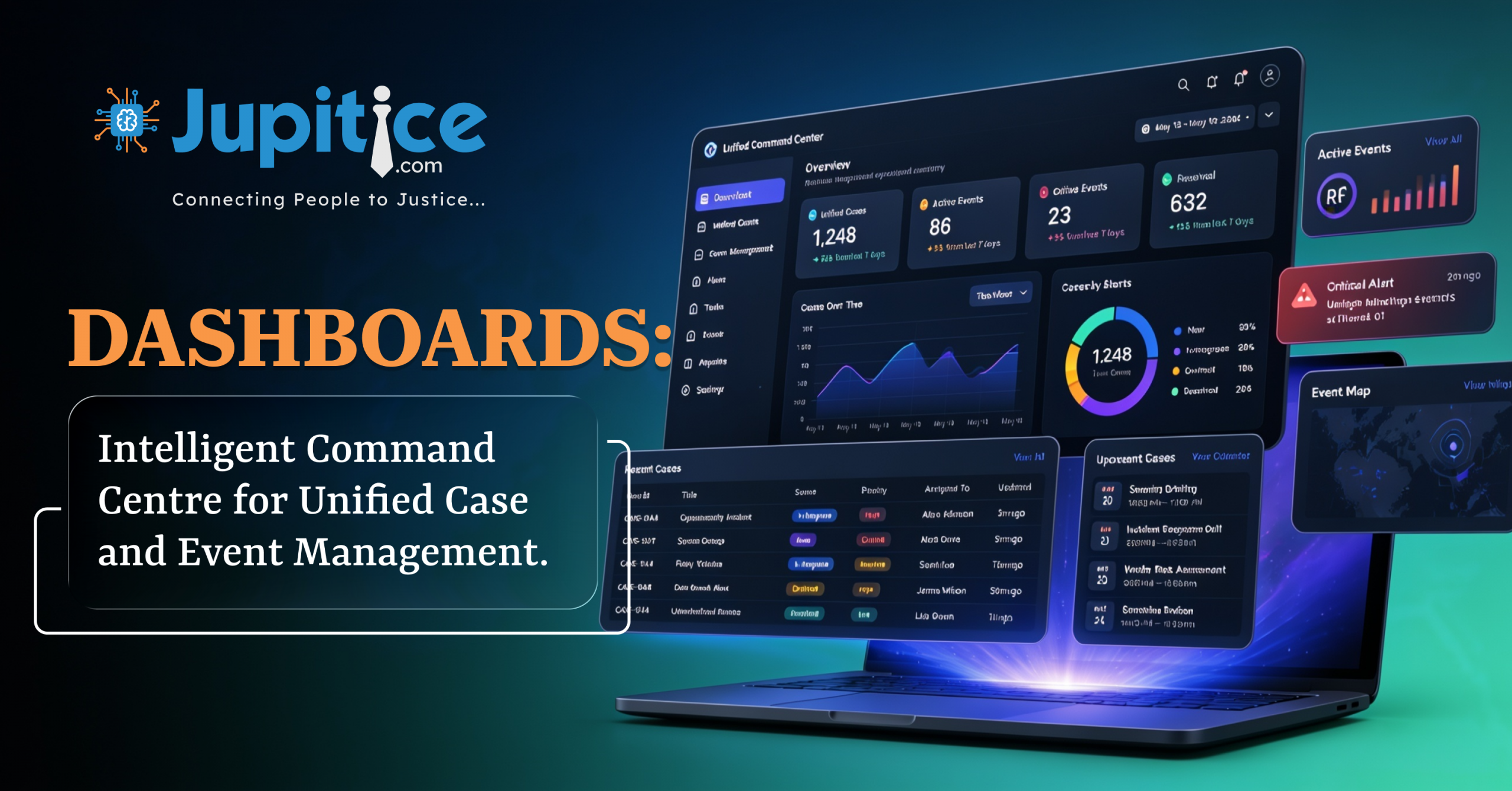
Dashboards: Intelligent Command Centre for Unified Case and Event Management.
Abstract
The Dashboard module in the Jupitice Platform serves as a centralized interface that enables users to monitor, manage, and access critical information related to cases, events, documents, and organizational activities. By consolidating data from multiple sources into a single workspace, dashboards provide real-time visibility into operational workflows and support informed decision-making. Through configurable widgets, visual analytics, and role-based access, users can efficiently track case progress, monitor event activities, and retrieve essential information with minimal navigation. The platform further allows administrators to create and configure customized dashboards tailored to different user roles, ensuring that each stakeholder has access to relevant information. This article provides a comprehensive overview of the Dashboard, Case Dashboard, Event Dashboard, and Dashboard Configuration features available in the Jupitice Platform.
Keywords
Dashboard, Dashboard Widget, Case Dashboard, Event Dashboard, Dashboard Configuration, Case Management, Widgets, Role-Based Access, Smart Documents, Case Record, Case Log, Case Summary, Event Management, Workflow Management, Jupitice Platform.
Introduction
Modern case management systems require users to access large volumes of information quickly and efficiently. Managing cases, events, documents, participants, and schedules through multiple interfaces can become time-consuming and complex. To address these challenges, the Jupitice Platform provides an integrated Dashboard module that consolidates all critical information into centralized, interactive workspaces. Dashboards improve operational efficiency by presenting important metrics, summaries, notifications, and activities through intuitive visual components. They enable judges, lawyers, arbitrators, case managers, administrators, and other authorized users to monitor ongoing activities, track performance, manage responsibilities, and make informed decisions.
The module also extends into specialized interfaces such as the Case Dashboard and Event Dashboard, designed to simplify different aspects of the case lifecycle.
Overview of Dashboard
A Dashboard is a centralized digital workspace that provides a consolidated view of important information, performance indicators, activities, and operational data. It aggregates information from multiple sources and presents it through charts, graphs, tables, and widgets. Dashboards are highly customizable and can be configured based on organizational roles and requirements. They provide real-time visibility into cases, events, documents, tasks, notifications, and reports, enabling efficient workflow management.
Dashboard Widget
Dashboard Widgets are modular components that organize information into individual sections within a dashboard. Each widget displays specific data or provides quick access to frequently used features. Widgets may include case statistics, recent activities, upcoming events, notifications, documents, calendars, and analytical reports. These components improve productivity by making information easily accessible in a structured format.
Benefits of Dashboard
The Dashboard acts as a comprehensive monitoring and decision-support system. It enables real-time case tracking, performance visualization, trend analysis, and anomaly detection. It simplifies reporting, improves transparency, enhances productivity, and supports data-driven decision-making. Customization ensures that users only see relevant information, improving operational efficiency and clarity.
Case Dashboard
The Case Dashboard is the primary workspace for managing and monitoring individual cases. It centralizes all case-related information into a single interface for judges, lawyers, arbitrators, case managers, and other authorized users.The Case Dashboard displays essential details such as Case ID, Case Type, Submitted By, Submission Date, Current Stage, Parties Involved, Party Members, and Case Status. This provides immediate visibility into the case status.
Case Record
The Case Record is a secure repository containing all documents related to the case, including pleadings, notices, summons, evidence, legal arguments, interim orders, procedural orders, and final judgments.This centralized storage ensures document integrity and reduces duplication or loss.
Case Log
The Case Log maintains a chronological history of all case-related activities. This includes case creation, event initiation, party additions, submissions, procedural updates, and status changes. Each entry contains timestamps, user details, and remarks, ensuring transparency and accountability.
Case Summary
The Case Summary provides a consolidated view of the case, including parties involved, events, key dates, legal issues, court decisions, and final outcomes. It helps users quickly understand the overall progression of the case.
Documents and Notifications
Users can access submitted documents, updates, notifications, hearing schedules, and deadlines from a single interface, ensuring seamless communication and case tracking.
Participants and Scheduling
The dashboard also lists all participants such as attorneys, clients, judges, and other stakeholders. It includes scheduling information for hearings and events, ensuring proper coordination.
Event Dashboard
The Event Dashboard is designed to manage individual events within a case. It provides a centralized interface for creating, monitoring, and administering event-related activities.The Event Dashboard displays Event ID, Event Title, Event Type, On Record status, Start Date, End Date, and Current Status. It also allows editing and deletion of events. Selecting an event opens a detailed dashboard containing documents, participants, and event-specific templates. Users can manage all aspects of the event from this interface.
Event Search and Navigation
A built-in search feature enables users to quickly locate specific events, improving navigation and usability.
Smart Documents
The system supports automatic generation of Smart Documents such as attendance sheets, sign-in registers, and feedback forms based on interactive form inputs.
Communication and Video Conferencing
The Event Dashboard integrates video conferencing tools for hearings, meetings, and discussions. It also centralizes communication, scheduling, and participant management.
Dashboard Configuration
The Dashboard Configuration module allows administrators to create customized dashboards tailored to organizational roles and workflows. Administrators define dashboard properties such as Name, Parent Dashboard, Icon, Slug, and Order to effectively organise and structure dashboards.
Layout and Display Options
Users can select default views such as Grid, List, or Table. Options like Hidden, Disabled, Don’t Animate, Hide Header, Hide Legend, and Flush Background control visual presentation.
Role-Based Access Control
Dashboards are assigned to specific roles such as Administrators, Arbitrators, Case Managers, or Disputants. Only authorized users can access relevant dashboards.
Platform Configuration
Dashboards can be configured for Web, Android, or iOS platforms depending on organizational needs.
Visibility and Performance Settings
Visibility settings control whether dashboards are active, hidden, or disabled. Performance options help optimize usability and interface responsiveness. After configuration, the dashboard becomes active and accessible based on assigned settings.
Conclusion
The Dashboard module forms the foundation of information management within the Jupitice Platform by providing centralized, customizable, and role-based workspaces. It enhances productivity by enabling users to monitor activities, analyze performance, and manage operations efficiently. The Case Dashboard offers complete visibility into case records, logs, documents, and participants, while the Event Dashboard streamlines event management through smart documents, communication tools, and scheduling features. The Dashboard Configuration module further enables organizations to design tailored dashboards that align with user roles and operational requirements. Together, these components create a scalable, efficient, and user-centric ecosystem that improves transparency, decision-making, and workflow management across the platform.